A spirit level on every edge
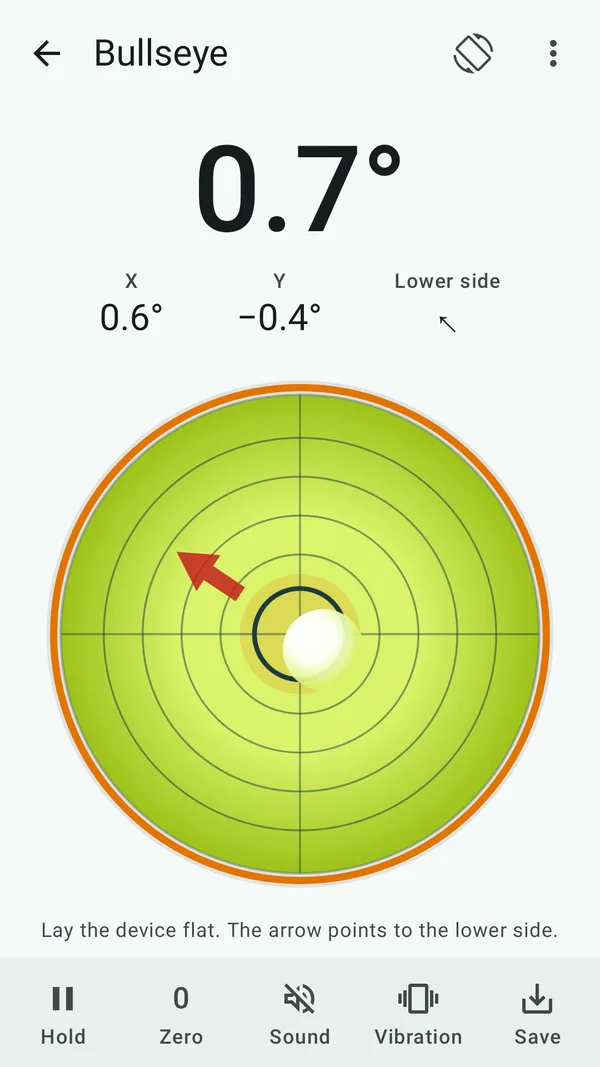
Put your phone's edge against the work and the bubble shows which way it tilts. Lay it flat and the bullseye shows both axes, with an arrow to the lower side.
Hang it straight. Get the slope right. Measure cleanly.
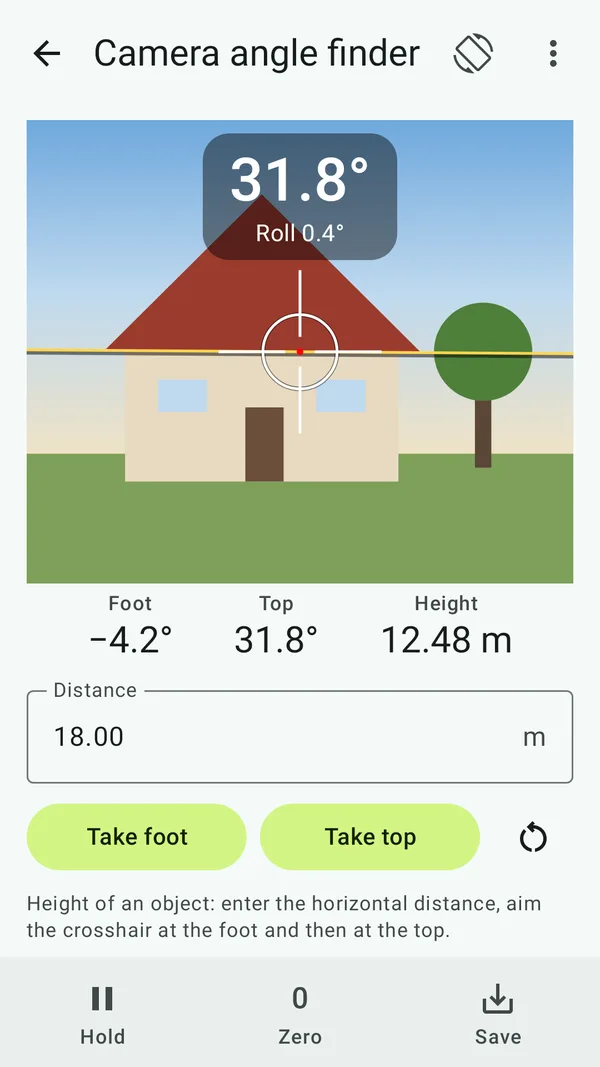
Wasserwaage turns your phone into a measuring tool: spirit level and bullseye, inclinometer, camera angle finder, slope, roof, ramps and RV leveling – 15 tools in one app, calibrated for every edge.
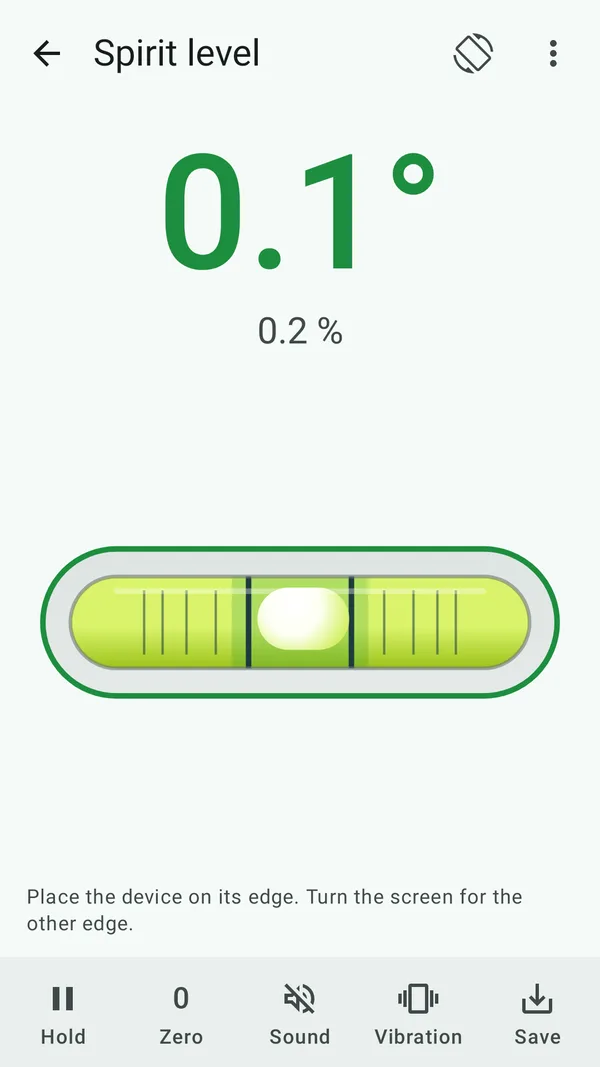
Put your phone's edge against the work and the bubble shows which way it tilts. Lay it flat and the bullseye shows both axes, with an arrow to the lower side.
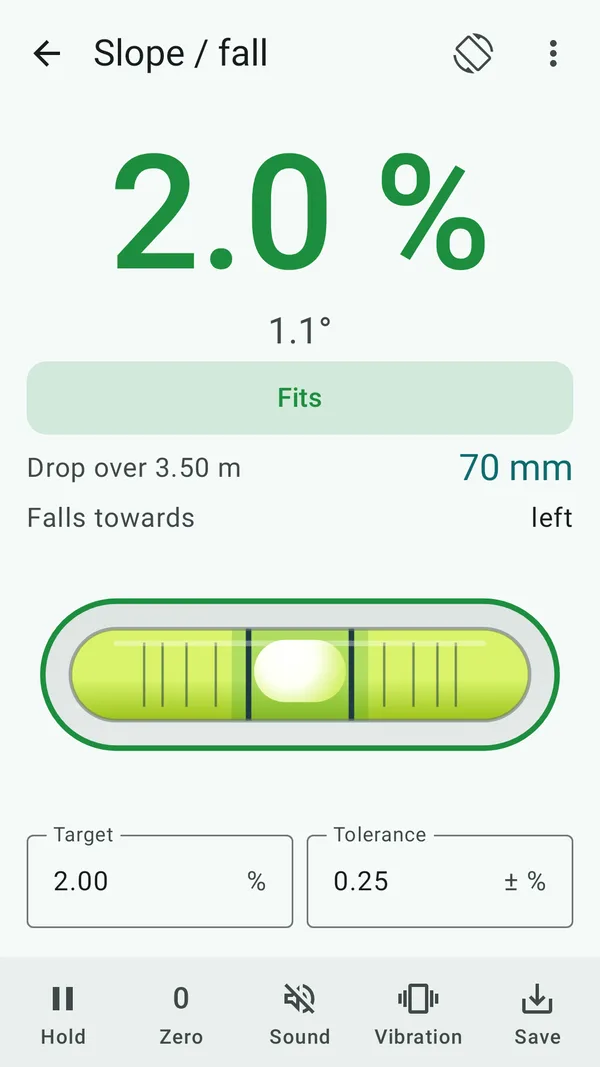
Enter a target slope like 2 % or 1:50 and the app says "too flat", "fits" or "too steep". Plus the drop over the pipe, roof pitch with rafter length and ramps checked against a limit.
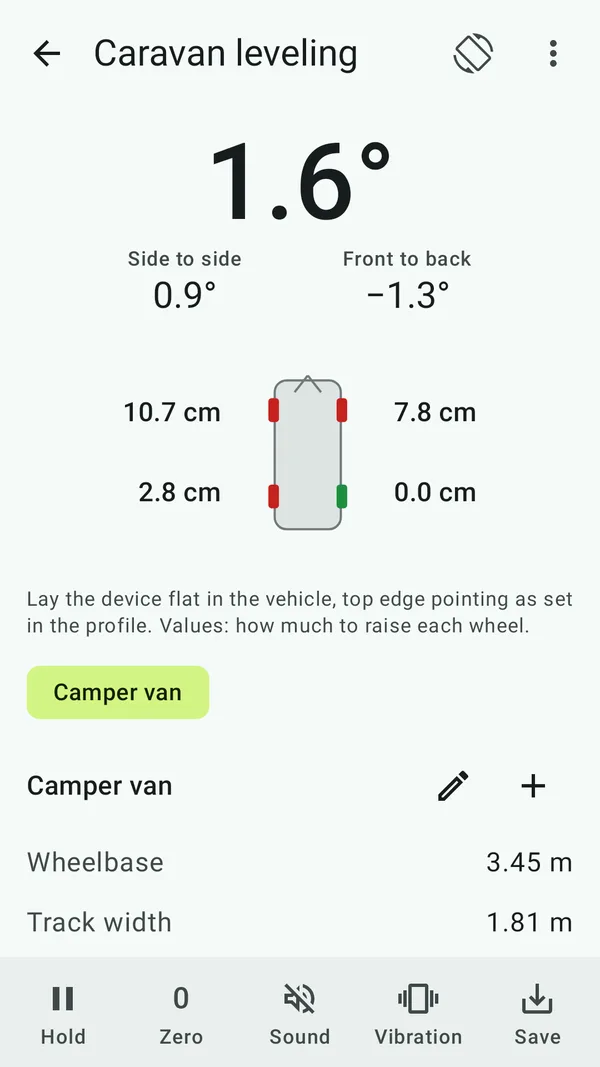
Lay the phone in the vehicle, enter wheelbase and track once – and see how many centimetres go under which wheel. For several vehicles, and for caravans with a jockey wheel too.
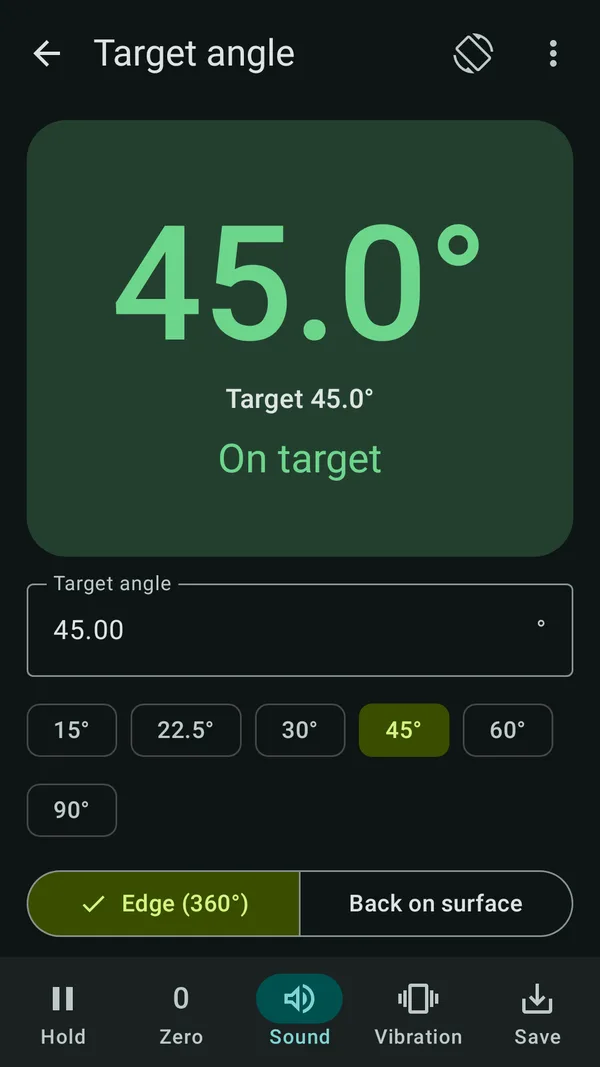
Above your head or behind a cupboard, auto-hold freezes the value with a beep. Or let the app read it out. For a target angle it beeps faster the closer you get.
Every phone is a little off out of the box, and cases or camera bumps add to it. That's why you calibrate each resting position on its own: back, short edges and long edges. Best with the reversal method – measure, turn by 180°, measure again. It works on any surface, it doesn't have to be level.
Camera bump? No problem. The bullseye, RV leveling and every measurement with the phone on its back also work on phones that don't lie flat. Calibrate the “Back flat” position once: the app learns how much the bump or case tilts your phone and takes it out of every reading. It just mustn't rock, and you measure the way you calibrated – with or without the case. If an uncalibrated phone lies tilted, the app suggests calibrating on its own.
After that, most phones reach about ±0.1–0.2°. While a position isn't calibrated, the app tells you. For work where tenths matter, check against a good spirit level.
After calibration, typically about ±0.1–0.2°. Without calibration it can easily be half a degree or more, so the app reminds you. More decimals on the display show finer changes, not more accuracy.
No. With the reversal method you measure twice on the same spot and turn the phone by 180° in between. The app takes the slope of the surface out. Before each measurement it counts down briefly so the phone can settle.
Yes. Without calibration, a phone with a bump reads tilted, because it lies tilted. Once you calibrate the “Back flat” position, the app takes that tilt out of every reading, wherever the bump sits. Place the phone so it doesn't rock and measure the same way later: calibrated with the case means measuring with the case.
Nothing, all features are free. If you'd rather not see ads, a one-time purchase turns them off. There's no subscription.
Only for the camera angle finder, and only when you open it. The image stays on your phone, and photos only go into the app's measurement log. All other tools work without the camera.
Android phones and tablets running Android 7.0 or later, in portrait and landscape. The app speaks English and German.
Your next shelf will hang straight.
Coming soon, free on Google Play.